

Description
Download Rosalie's Mupen GUI – Nintendo 64 emulator, open-source, no BIOS required, user-friendly interface, customizable graphics, multiple controller support, retro gaming, classic games, gaming on Windows
Overview
Rosalie's Mupen GUI is a Windows-based emulator designed to bring the classic Nintendo 64 gaming experience to modern systems with a focus on accessibility and ease of use. The app serves as a tool for retro gaming enthusiasts and newcomers alike, enabling users to play their favorite N64 titles without the technical hurdles traditionally associated with emulation. By eliminating the need for BIOS files—a common barrier for beginners—the emulator streamlines the setup process, allowing users to start playing immediately after selecting their ROM folder. This approach significantly lowers the entry barrier, making it ideal for users who want to relive nostalgic gameplay or explore classic titles without deep technical knowledge.
The target audience includes retro gaming fans, casual players, and hobbyists interested in open-source software. The developer, Rosalie, has prioritized user experience by designing an interface that emphasizes simplicity and functionality. Real-world use cases include single-player gaming sessions, multiplayer events with friends using multiple controllers, and educational exploration of retro game development. In the broader app ecosystem, Rosalie's Mupen GUI stands out as a lightweight, efficient solution for N64 emulation on Windows, offering a clean alternative to more complex emulators. Its open-source nature also encourages transparency and community-driven improvements, reinforcing its role as a trusted tool in the retro gaming community.
Key Features & Functionality
- No BIOS Required: The emulator automatically detects and loads ROMs from a designated folder without requiring users to download or configure a separate BIOS file. This simplifies the initial setup, particularly for users unfamiliar with emulation requirements.
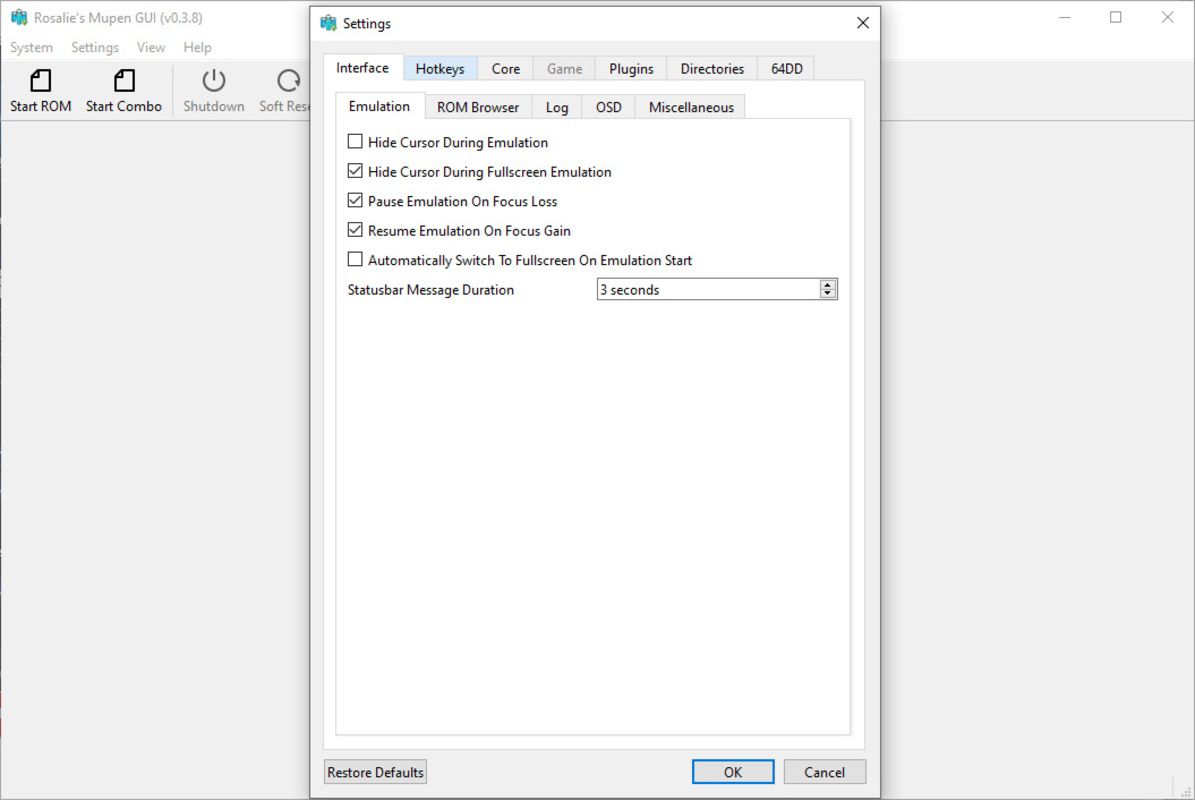
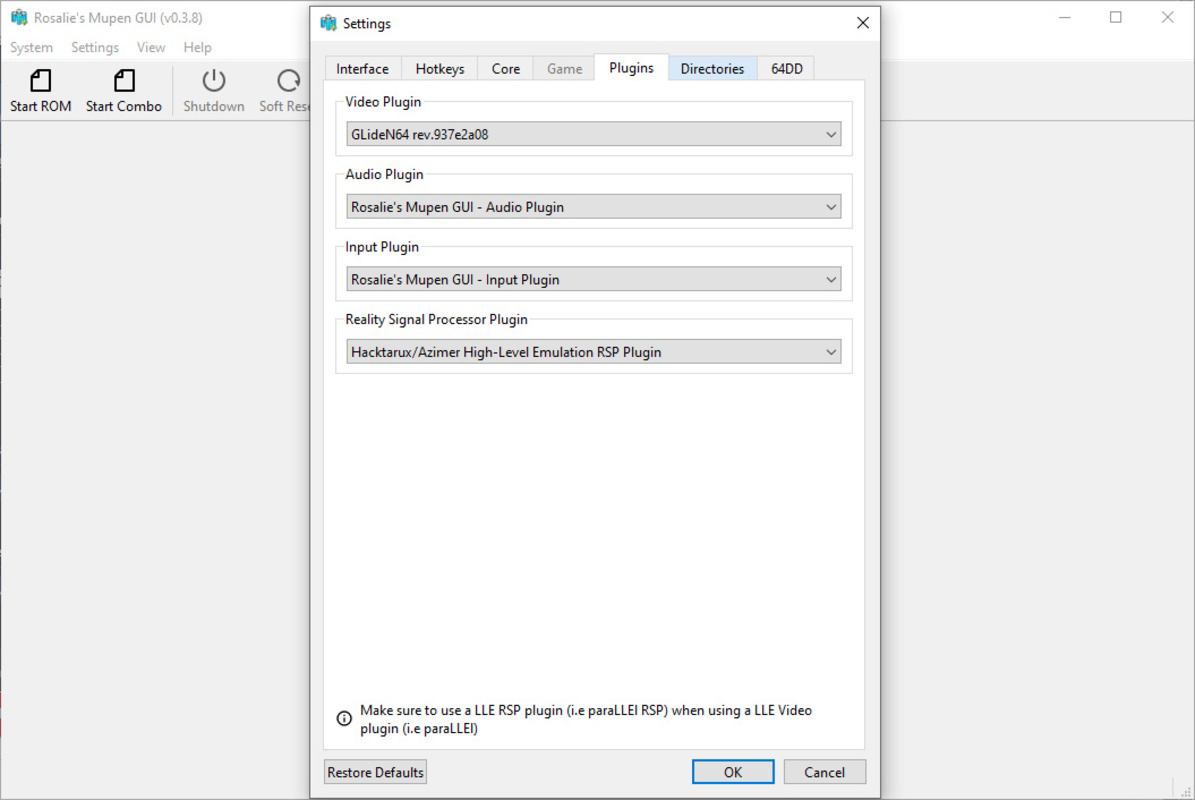
- Customizable Graphics Options: Users can adjust resolution, aspect ratio, and apply antialiasing and texture filters to enhance visual quality. Default settings aim for authenticity, but advanced users can fine-tune visuals for a modernized look.
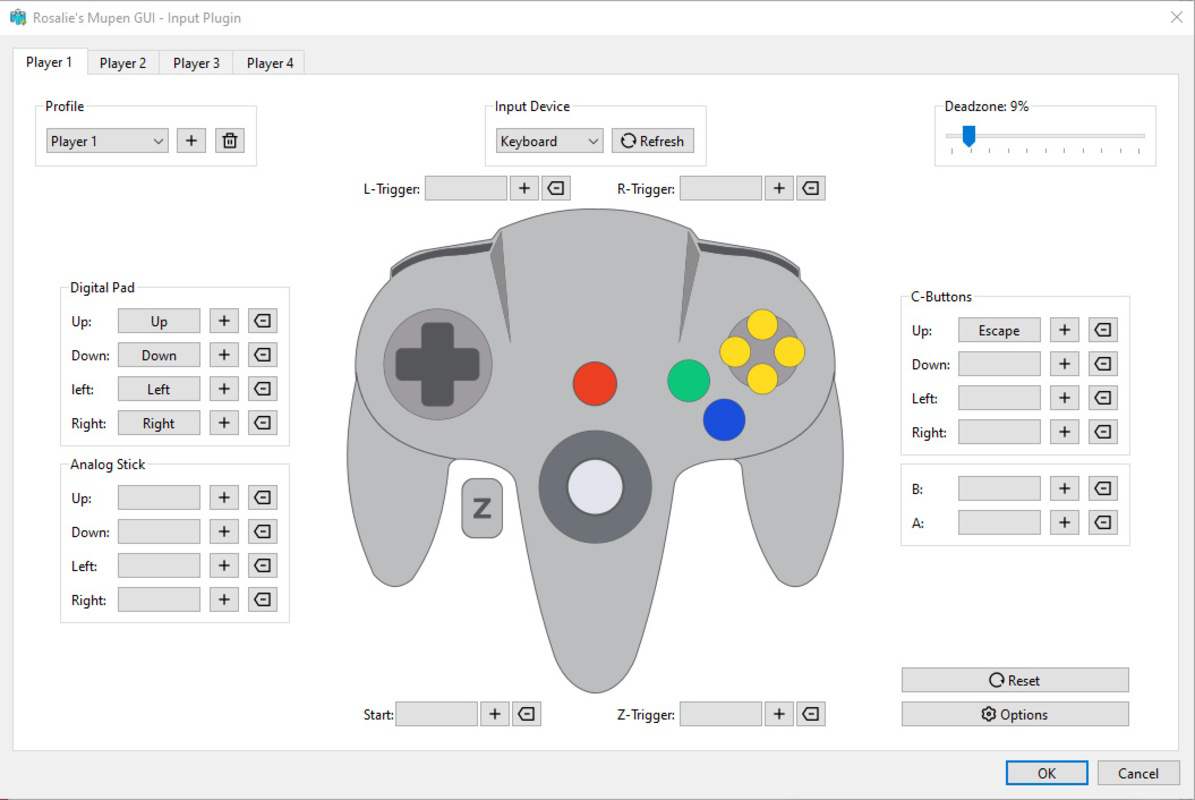
- Multiple Controller Support: Full compatibility with Xbox and PlayStation controllers enables a console-like experience. Up to four controllers can be configured simultaneously, supporting multiplayer gameplay and group gaming sessions.
- Open Source Access: The project is hosted on GitHub, allowing developers and users to inspect, modify, and contribute to the codebase. This transparency fosters trust and encourages collaborative innovation.
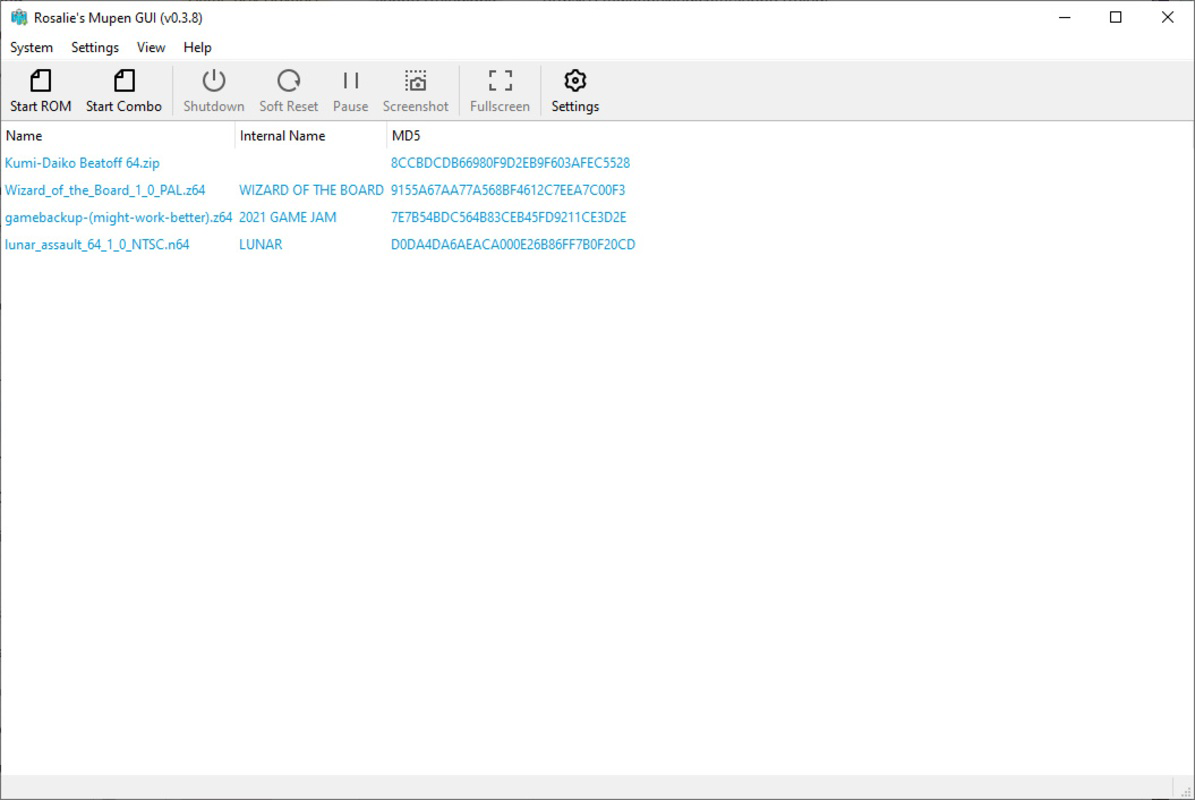
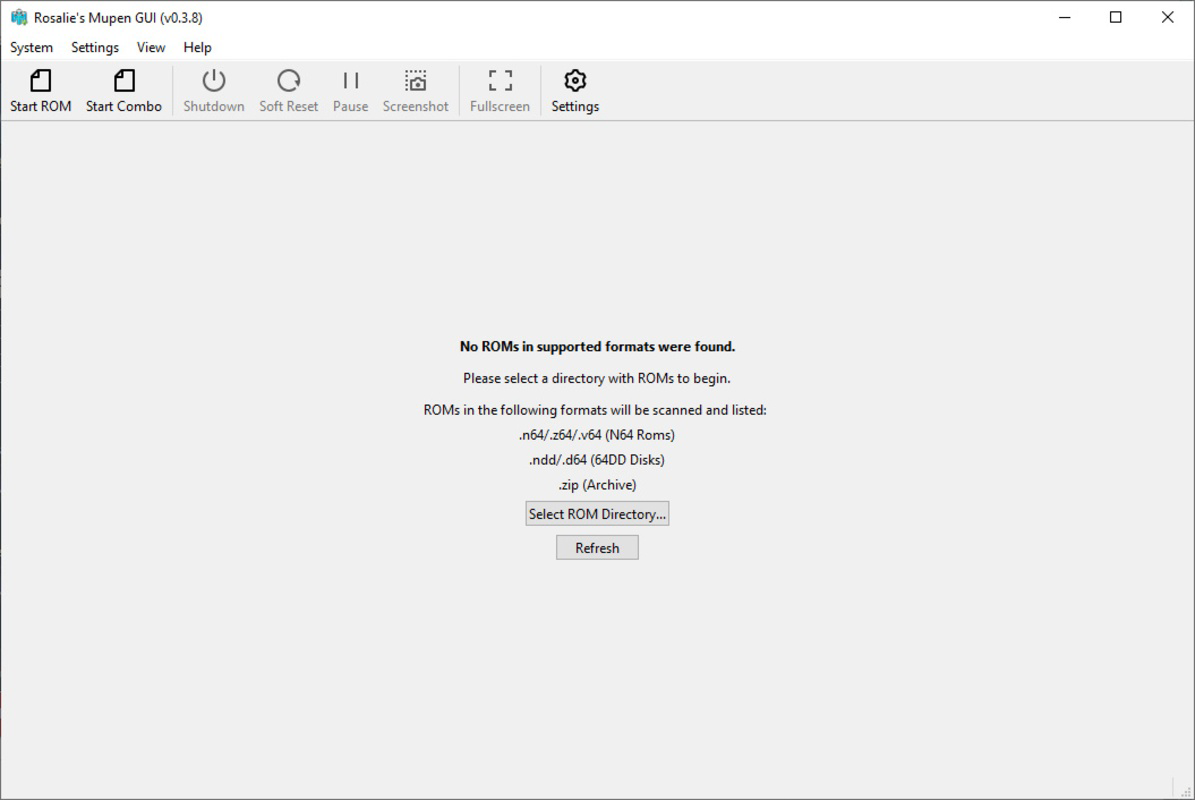
- User-Friendly Interface: The layout is designed for intuitive navigation, with clear menus and straightforward configuration options. New users can quickly locate and launch games without prior experience in emulation.
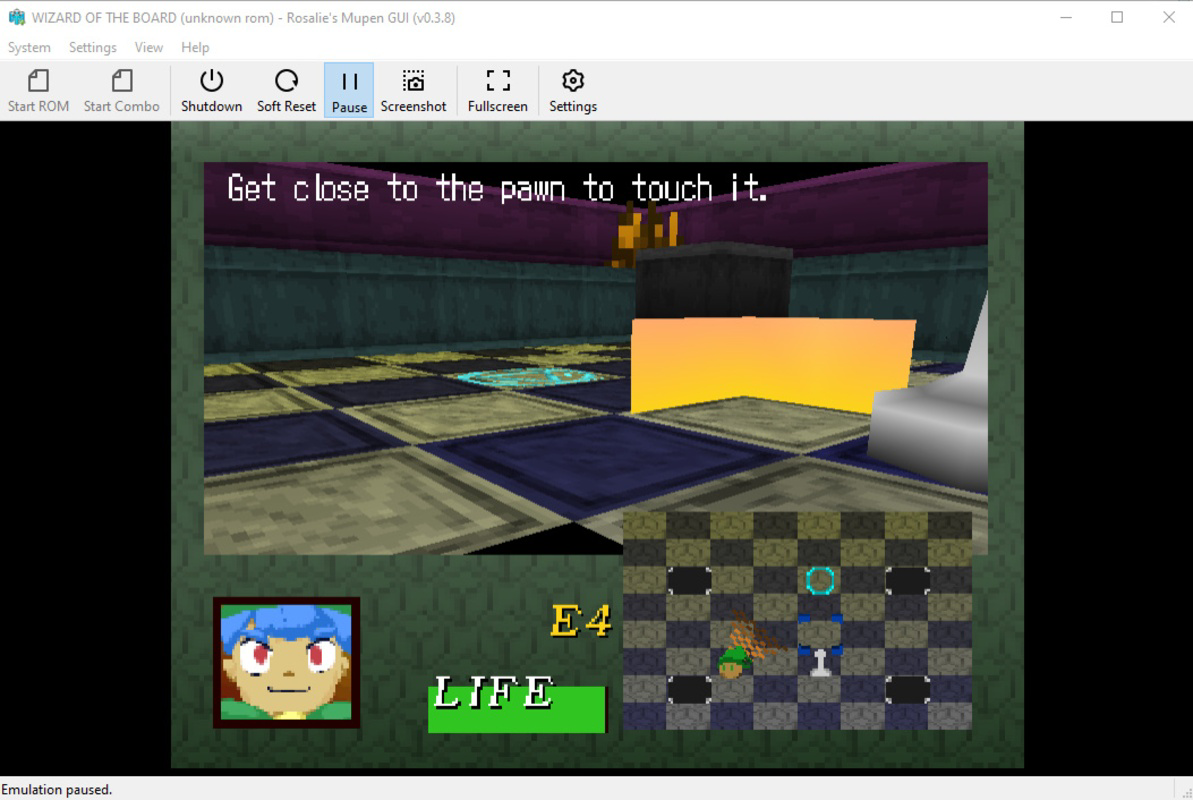
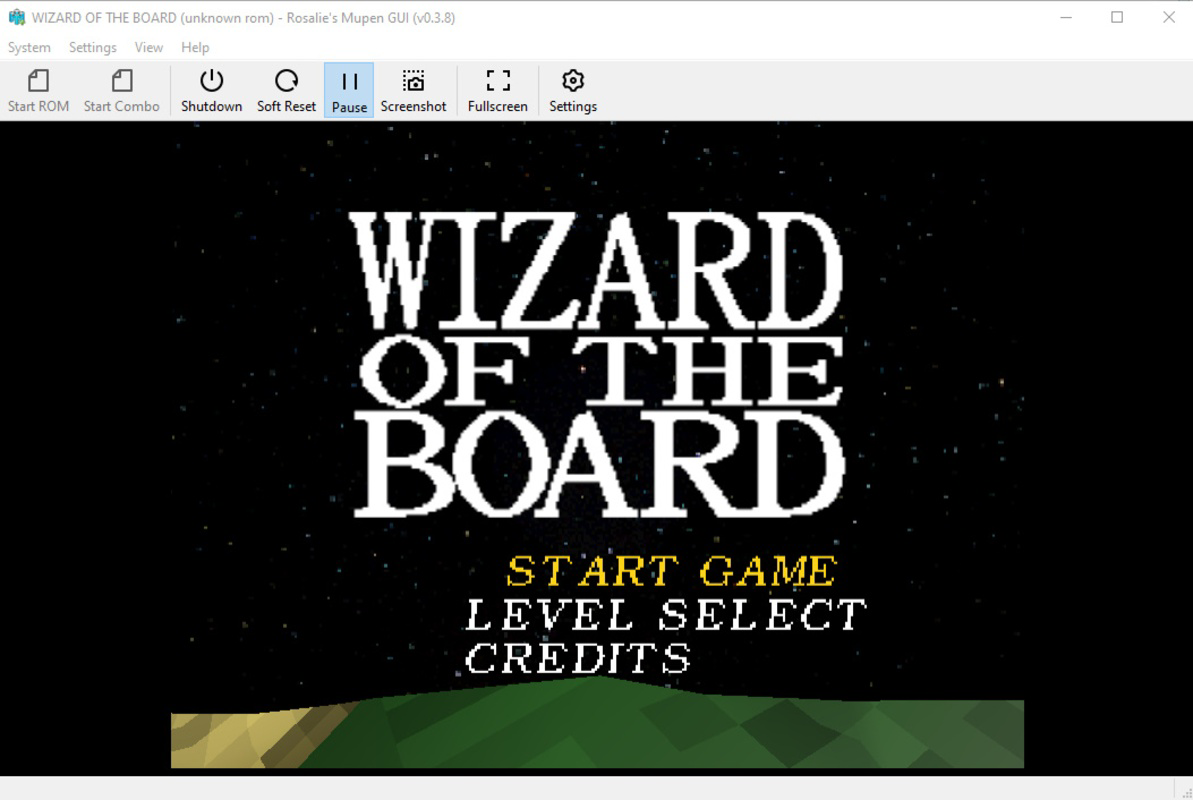
For example, a user can set up the emulator in under five minutes by selecting a ROM directory and launching a game. A group of friends can connect multiple controllers for a local multiplayer session of Super Smash Bros. or GoldenEye 007. Developers can explore the source code to understand the emulator’s architecture or contribute improvements. These features collectively enhance usability, performance, and long-term sustainability.
Interface, UX & Performance
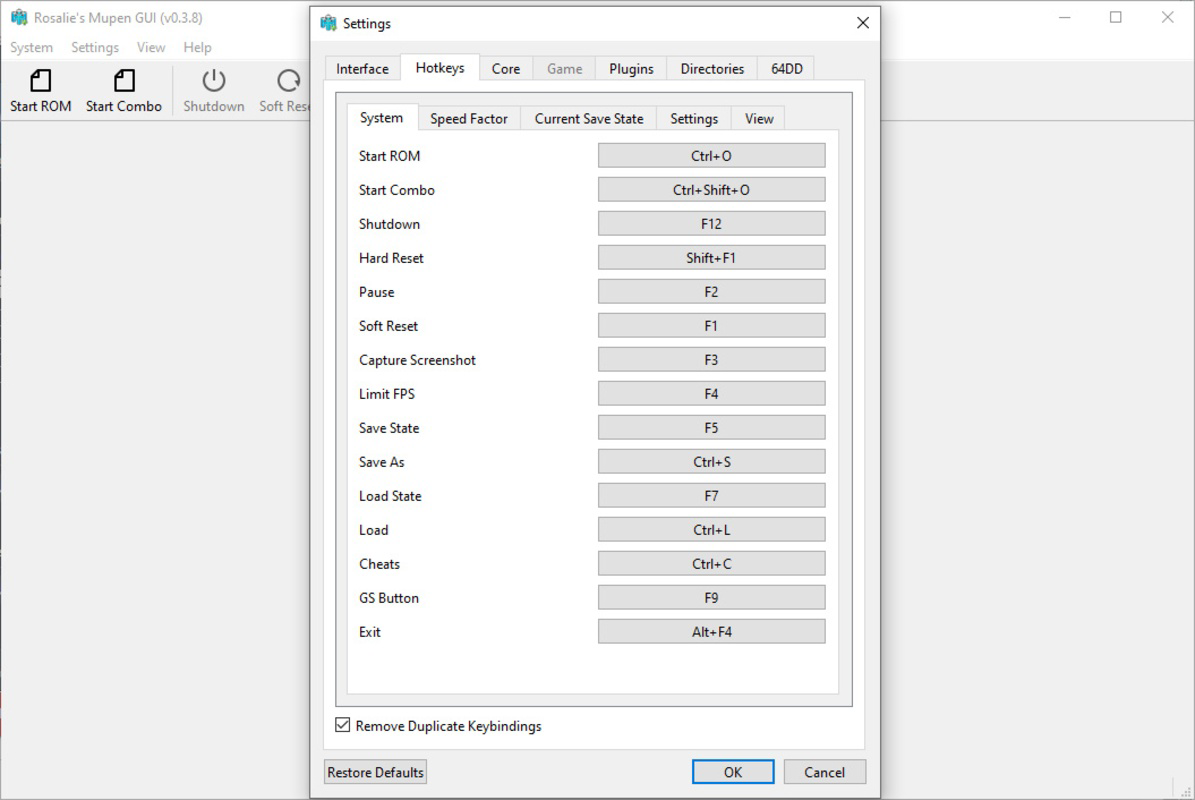
The interface of Rosalie's Mupen GUI is clean and minimal, focusing on essential functions without clutter. Navigation is straightforward, with a central menu for ROM selection, settings, and controller configuration. Visual design emphasizes readability and consistency, using a dark theme that reduces eye strain during extended gaming sessions. The layout adapts well to different screen sizes, ensuring usability on both standard monitors and high-resolution displays.
Although the developer did not list formal performance metrics, the app’s lightweight size of 15.4 MB suggests efficient resource usage. Users can expect smooth performance on modern Windows systems, with responsiveness maintained during game loading and gameplay. Stability appears to be a priority, as the emulator avoids common crashes associated with poorly optimized emulators. The lack of reported issues in the release notes indicates a reliable foundation, though real-world testing across various hardware configurations has not been disclosed. Overall, the user experience is optimized for ease of use, with minimal lag and intuitive controls. The interface remains consistent across sessions, reducing the learning curve and supporting both novice and experienced users.
Platform Compatibility & Technical Requirements
Rosalie's Mupen GUI is available exclusively for Windows. The current version is 1.0.0, with a file size of 15.4 MB. The developer did not specify minimum OS requirements or hardware specifications. Compatibility information was not fully disclosed, so users should ensure their system meets general Windows application standards. The app is designed as a standalone executable, meaning no installation is required—users can run it directly from the downloaded file. This makes it highly portable and suitable for use on multiple devices without leaving traces. While no specific version of Windows is listed, the lightweight nature of the app suggests it may function on Windows 7 or later. However, users should verify system compatibility based on their own environment.
Pros and Cons
Pros
- No BIOS required—simplifies setup for beginners and reduces user friction.
- Open-source nature promotes transparency and community contributions.
- Supports multiple controllers for multiplayer gaming sessions.
- Customizable graphics settings allow users to balance authenticity and visual enhancement.
- Lightweight and portable—easy to use without installation.
Cons
- Platform availability limited to Windows—no support for Android, iOS, or macOS.
- Specific technical requirements were not listed.
- Performance on older or low-end hardware was not tested or reported.
- Limited to Nintendo 64 emulation—no support for other consoles.
- Developer did not provide update frequency or long-term maintenance plans.
FAQ
Is Rosalie's Mupen GUI safe to download and use?
The app is open-source and available through official project channels. As long as users download from trusted sources, such as the developer’s GitHub repository, the risk of malware is minimal. The absence of bundled ads or third-party software further enhances its safety profile.
Can I use Rosalie's Mupen GUI on my Android or iOS device?
No. The app is currently designed only for Windows systems. There is no official support for mobile platforms at this time.
Do I need a BIOS file to run this emulator?
No. One of the key advantages of Rosalie's Mupen GUI is that it does not require a BIOS file. The emulator handles ROM detection and game loading independently.
How often is the app updated?
The developer did not specify an update schedule. Users should check the official project page for the latest version and release notes.
Is the source code available for public review?
Yes. Rosalie's Mupen GUI is open-source and hosted on GitHub. The full codebase is accessible for inspection, modification, and contribution by the community.
Final Thoughts
Rosalie's Mupen GUI delivers a streamlined, accessible experience for Nintendo 64 emulation on Windows. Its no-BIOS setup, customizable graphics, and support for multiple controllers make it a standout choice for both casual players and retro gaming enthusiasts. The open-source model adds credibility and long-term potential, while the lightweight design ensures fast performance on modern systems. Though limited to Windows and lacking detailed technical documentation, the app excels in usability and user satisfaction. It is especially valuable for those seeking a hassle-free way to enjoy classic games without deep technical knowledge. For anyone passionate about retro gaming on a PC, this emulator offers a reliable, secure, and efficient solution.
Download Rosalie's Mupen GUI now
Guides & Tutorials for Rosalie's Mupen GUI
How to install Rosalie's Mupen GUI
- Click the Preview / Download button above.
- Once redirected, accept the terms and click Install.
- Wait for the Rosalie's Mupen GUI download to finish on your device.
How to use Rosalie's Mupen GUI
This software is primarily used for its core features described above. Open the app after installation to explore its capabilities.
User Reviews for Rosalie's Mupen GUI 0
No reviews found


